Product Features
-
1
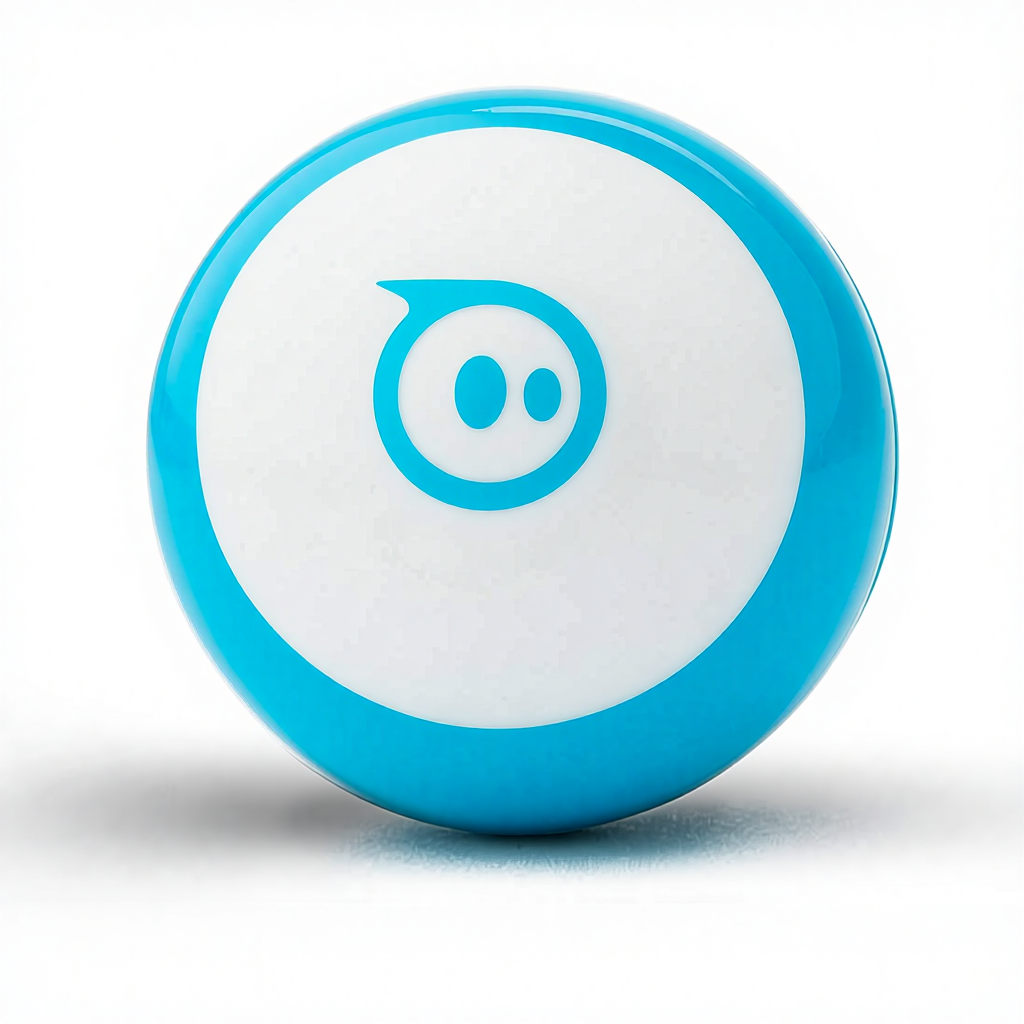
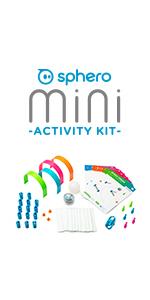
LITTLE ROBOT, LOTTA FUN: Sphero Mini packs a ton of fun into a tiny programmable robot the size of a ping pong ball. Equipped with a gyroscope, accelerometer, and colorful LED lights, this educational robot is more than a mini robot toy. Perfect entry into robotics for beginners!
-
2
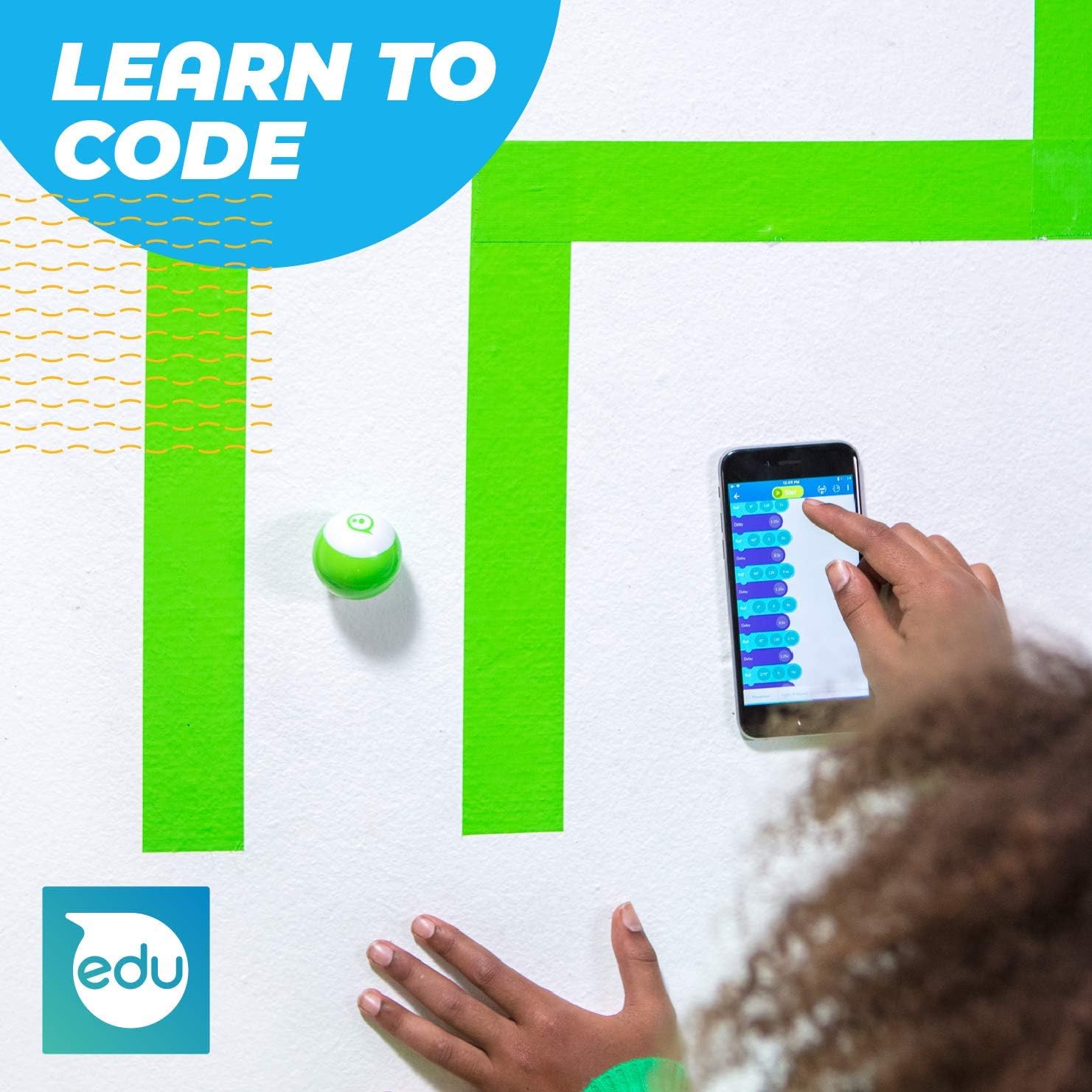
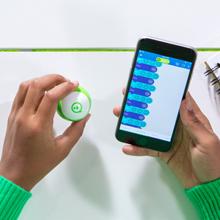
LEARN TO CODE: Powered by the free Sphero Edu app, you can create and customize games and code Sphero Mini by drawing on your screen, using drag and drop coding blocks, or writing JavaScript.
-
3
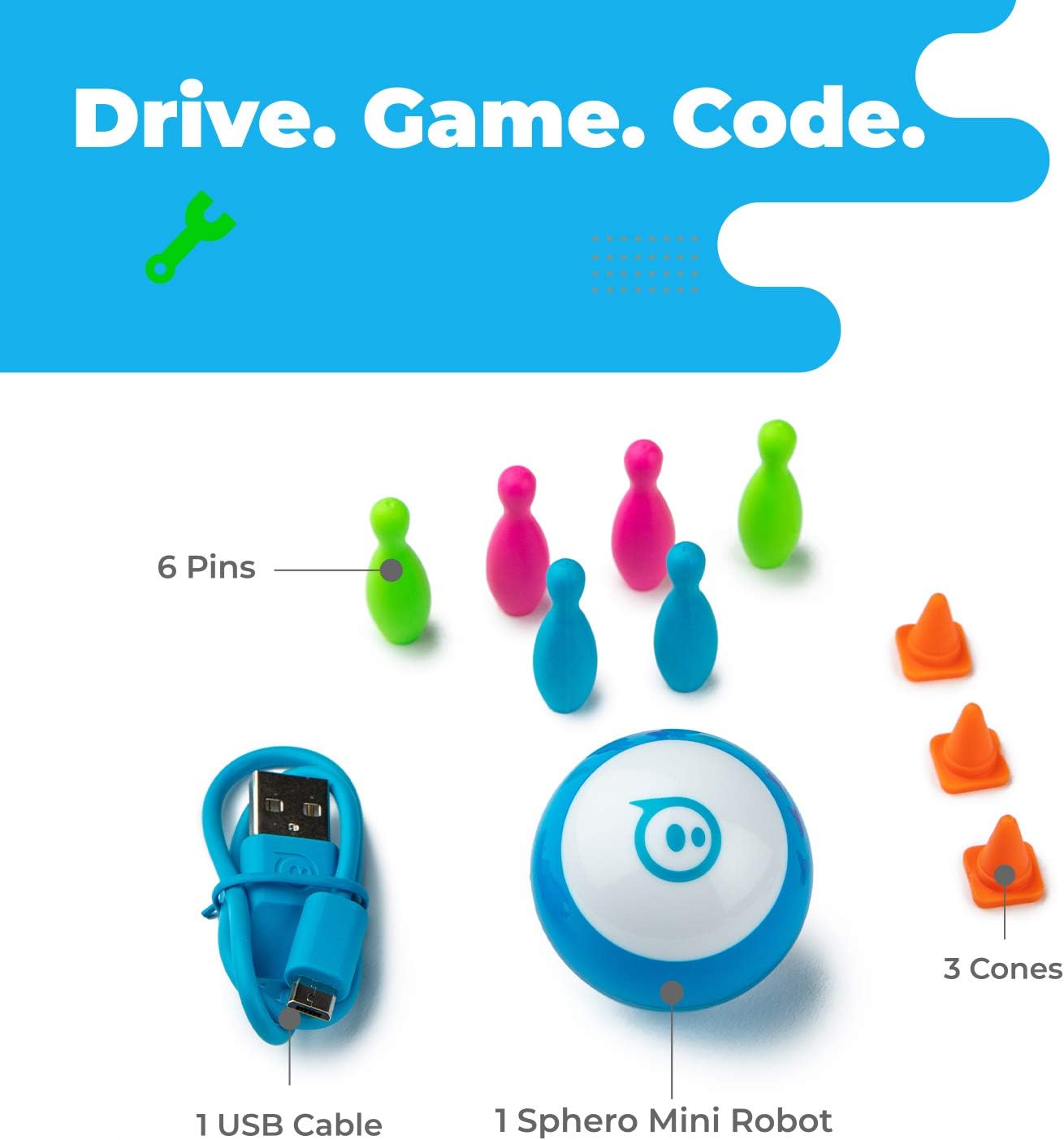
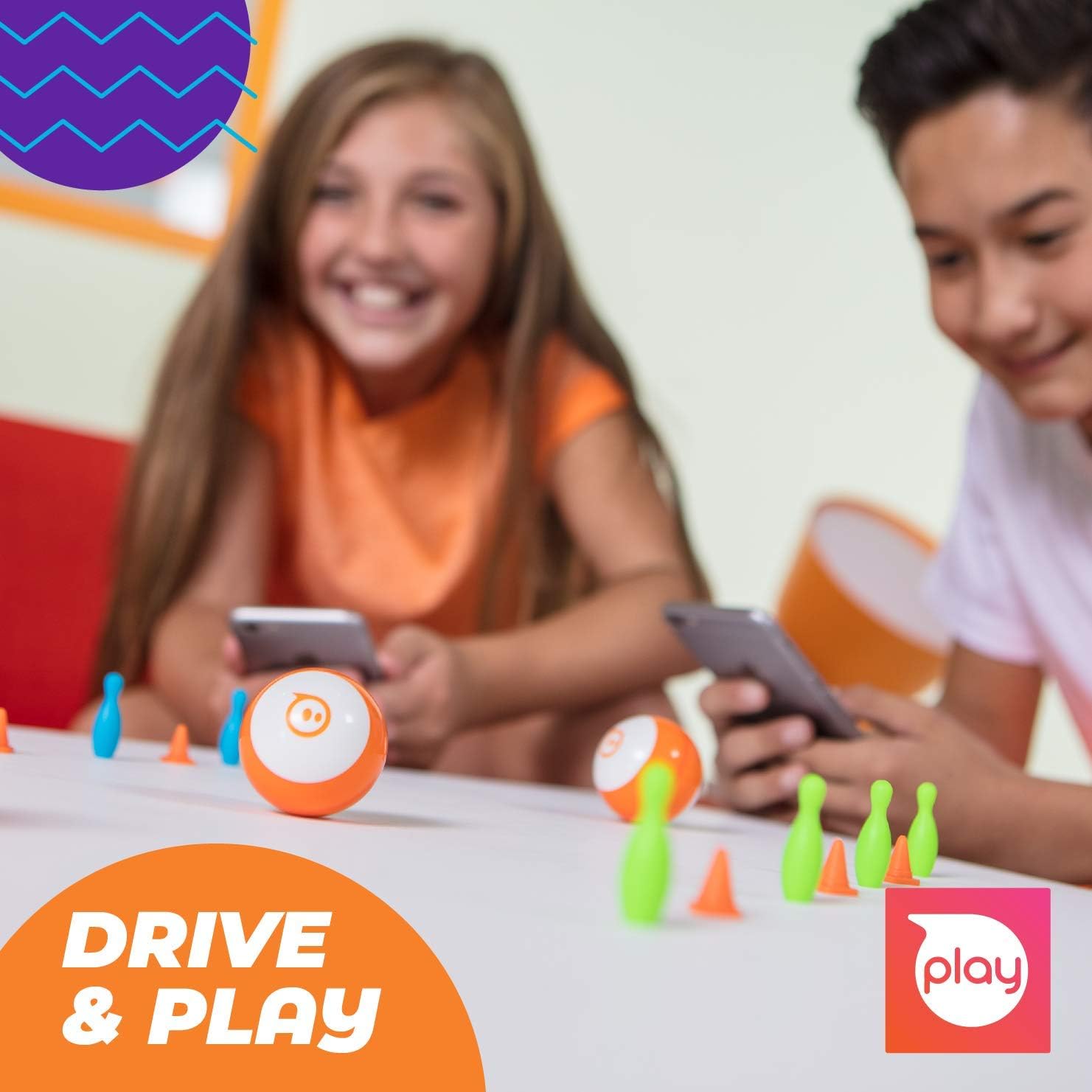
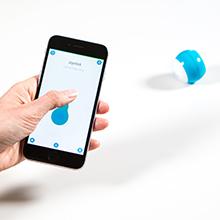
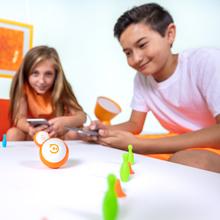
DRIVE MODE: Beginner learners can drive and play STEM-inspired games with the free Sphero Play App. Drag and drive with Joystick mode, pull back and release with Slingshot mode or tip and rotate your mobile device with Tilt mode. Includes 3 traffic cones and 6 bowling pins.
-
4
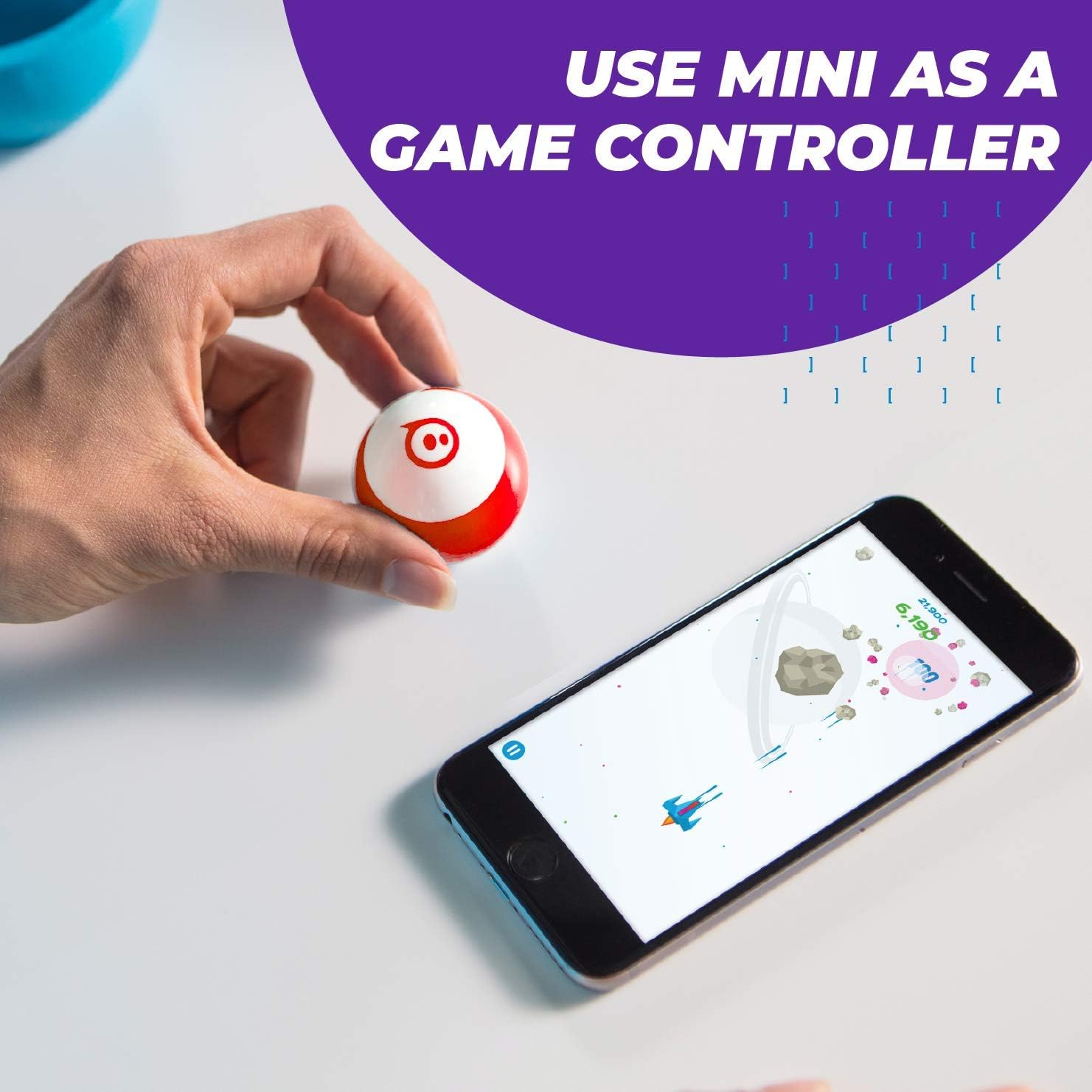
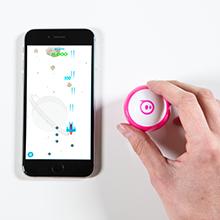
PLAY GAMES: Use Sphero Mini as a game controller for arcade-style games. Choose from 3 different games - shoot through space, speed through a tunnel, or smash a polygon of bricks. Offers 1 hour of play time.
-
5
INSPIRING CREATORS: Inspiring a new generation of inventors and changemakers through hands-on applied learning of coding, science, music and the arts with programmable robots and educational STEAM tools.
Product Gallery
Technical Specification
| Item Type |
Coding Robot Ball |
| Origin |
China |
| Age Range |
8 years and up |
| Battery |
1 Lithium Metal batteries required (Included) |
| Main Features |
Gyroscope, Accelerometer, LED lights |
| Connectivity |
App-Enabled (Sphero Edu & Sphero Play) |
Frequently Asked Questions
What can I learn with this robot?
You can learn to code through three different levels: drawing on your screen, using drag-and-drop Scratch-style blocks, or writing actual JavaScript code.
How long does the battery last?
The Sphero Mini provides approximately 1 hour of active play time on a full charge.
Are there accessories included in the box?
Yes, every Sphero Mini comes with 3 mini traffic cones and 6 mini bowling pins to help you set up obstacle courses right away.
How do you control the robot?
You can control it via the Sphero Play app using various modes: Joystick, Slingshot (pull back and release), or Tilt (using your device's movement).
Is the quality of the product guaranteed?
Yes, we ensure high quality through pre-production samples before mass production and a strict final inspection process before shipment.
Can this be used as a game controller?
Absolutely! You can use the Sphero Mini as a controller for several arcade-style games within the Sphero Play app, such as shooting through space or smashing bricks.
 Toym Toy